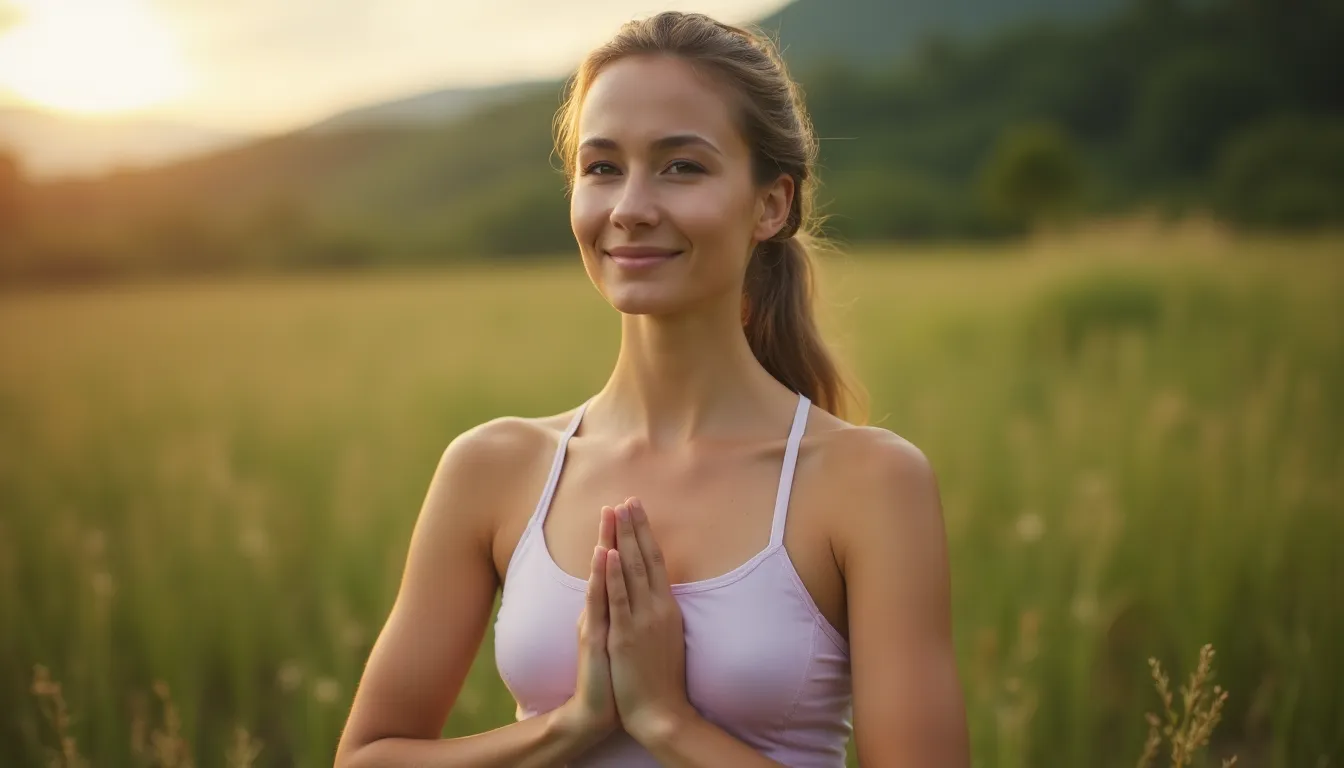
Outdoor Professional Portraits: Achieving a Natural and Bright Look
Discover how to create outdoor professional portraits with a natural and bright look using ProPhoto.
Outdoor Professional Portraits: Achieving a Natural and Bright Look
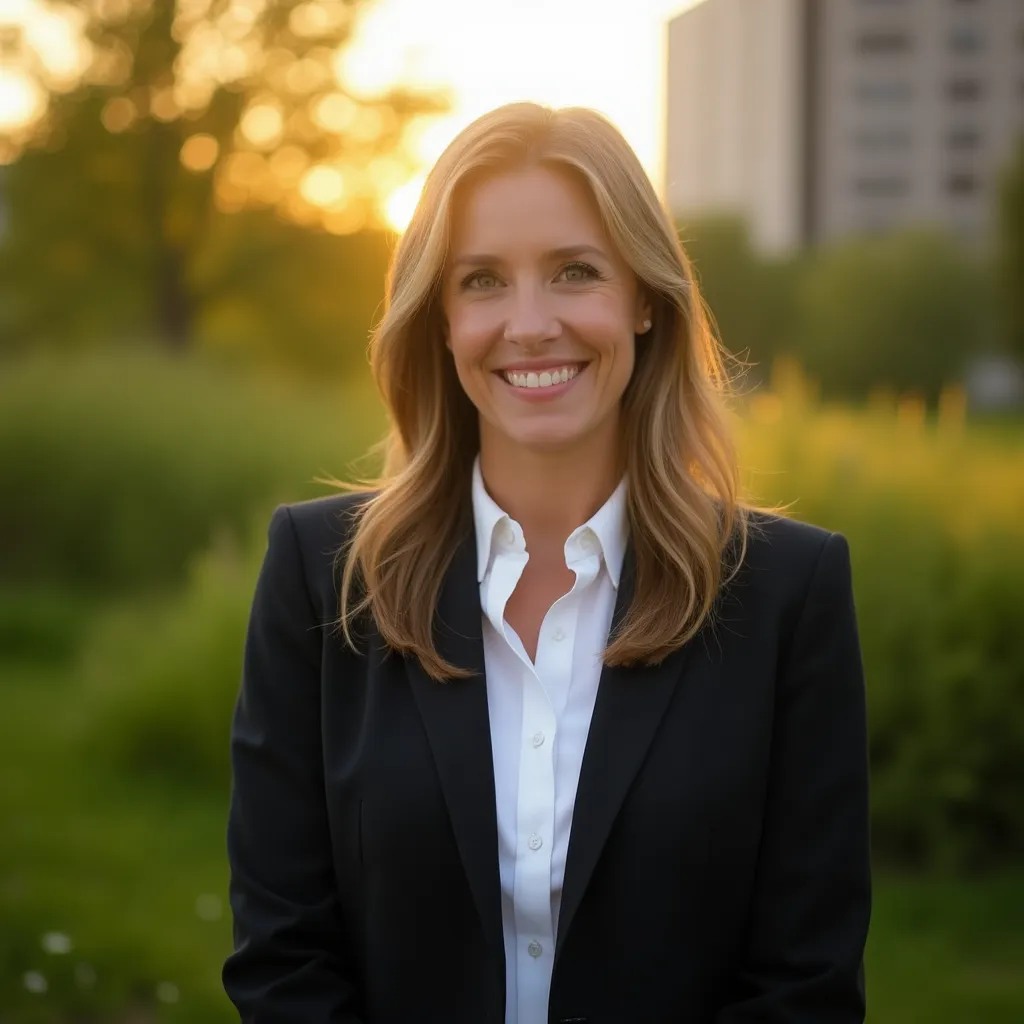
Choosing an outdoor professional portrait can transform your online image into something truly captivating. Whether for LinkedIn or a personal website, a well-executed photo can make all the difference.
The Importance of a Professional Profile Photo
According to a recent study, a polished profile photo increases profile views on LinkedIn by 14 times. Outdoor portraits offer natural light and a varied background environment that can enhance your professionalism and personality. This initial visual impression is often crucial in professional interactions.
Key Elements to Get Right
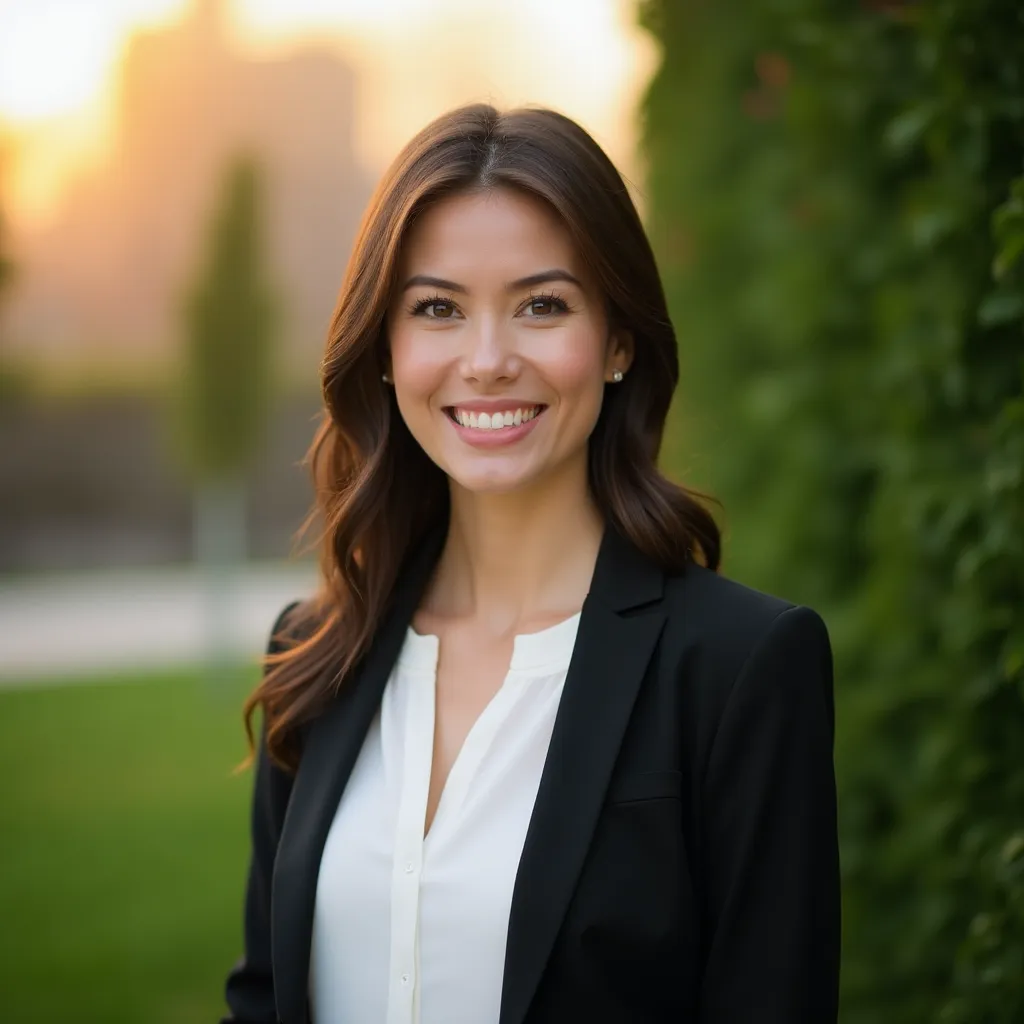
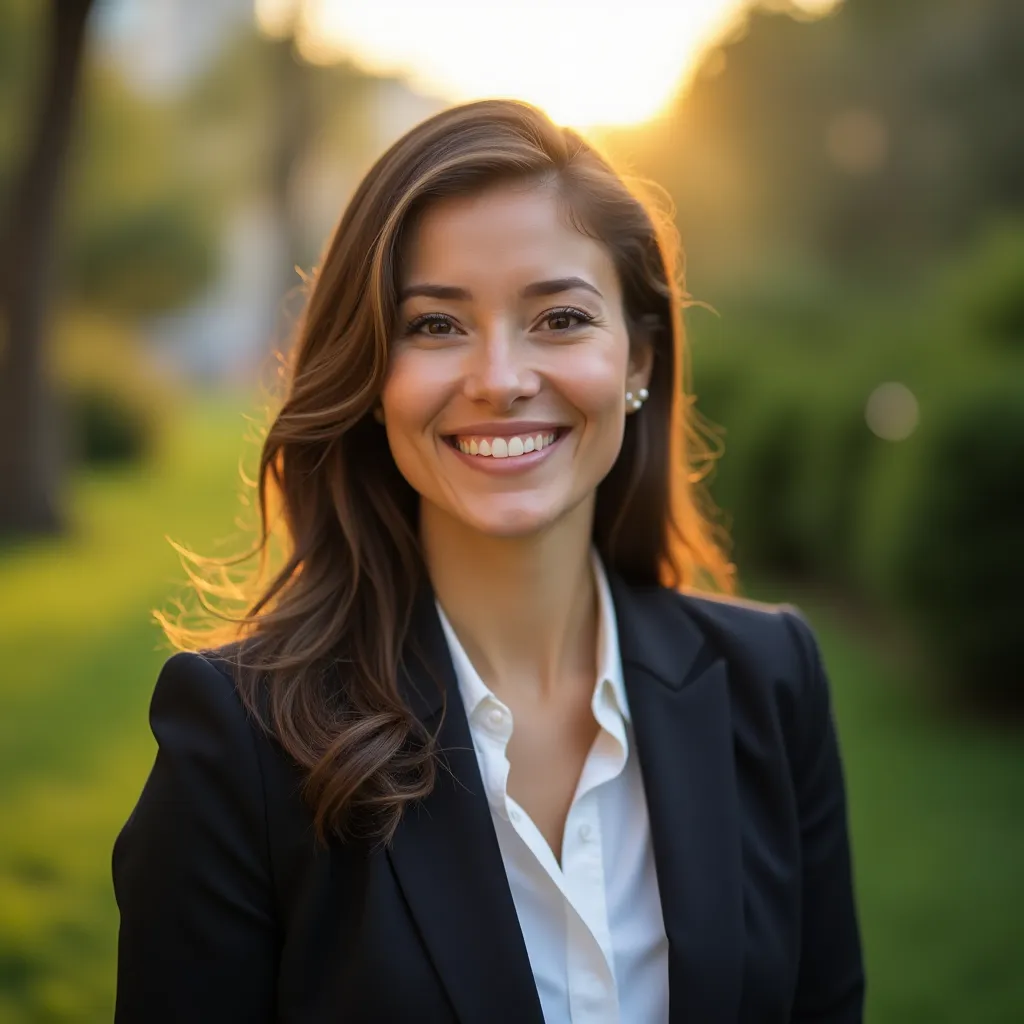
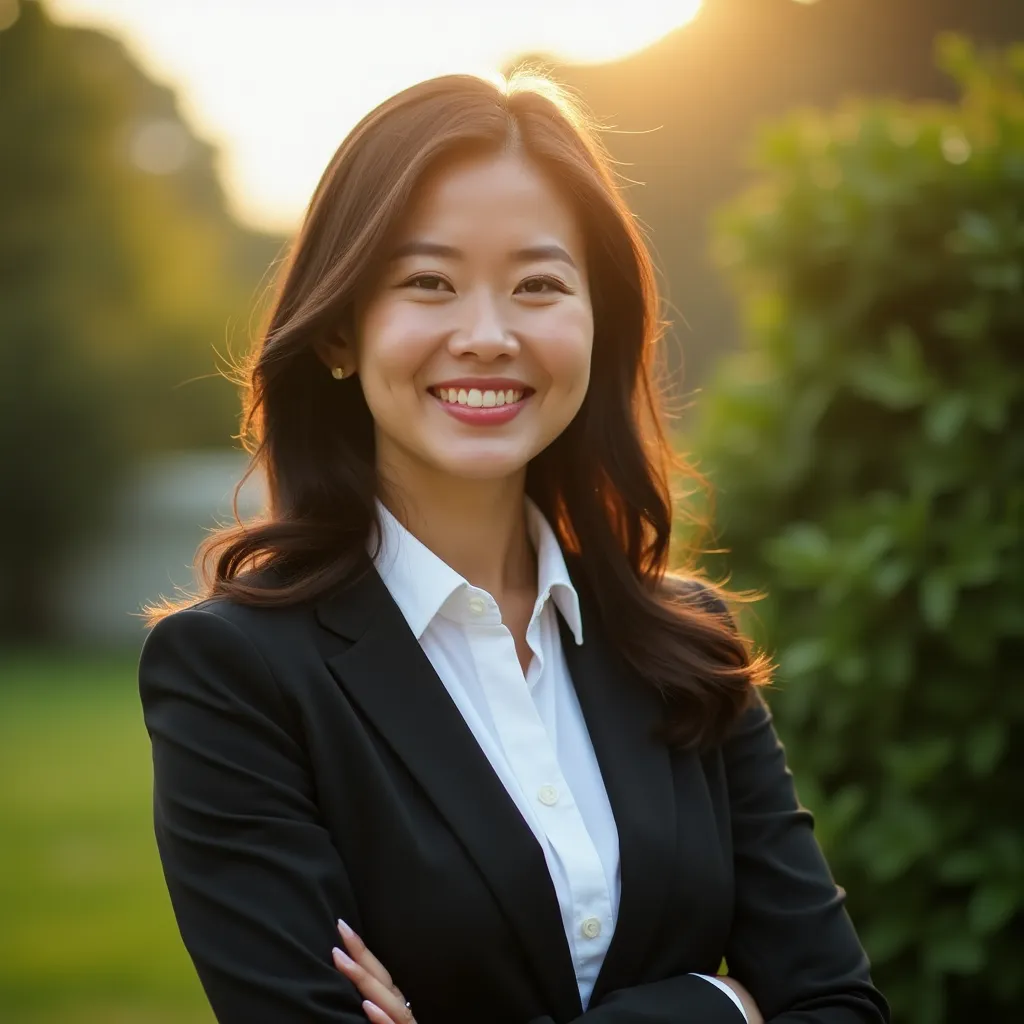
- Natural Light: Opt for golden hours (morning or late afternoon) for soft and flattering light.
- Suitable Background: Choose a simple, distraction-free background to keep the focus on you.
- Authentic Expression: Go for an expression that reflects your personality, confident and welcoming.
- Appropriate Attire: Wear an outfit that matches your industry while being comfortable.
How ProPhoto Simplifies Your Life
With ProPhoto, creating the perfect professional portrait has never been easier. In two steps, you can generate varied and sophisticated portraits without needing photography skills or expensive equipment. Upload a few selfies to create your AI model, then let your creativity flow by describing the type of photo you want. In just a few clicks, achieve stunning and professional results.
Frequently Asked Questions (FAQ)
-
How can I ensure good lighting for my outdoor photos? Use natural light to your advantage by avoiding direct light hours and choosing times like sunrise or sunset.
-
Can I use ProPhoto for other photo styles? Yes, ProPhoto is versatile. Also, check out our article on Nordic-style photos.
-
How long does it take to create a photo with ProPhoto? Once your AI model is created, generating a photo takes only a few seconds.
Conclusion
Choosing ProPhoto for your outdoor professional portraits is an effective way to enhance your online image with photos that capture your essence and professionalism. Transform your digital presence today.